
Donation forms and fundraising components for Webflow
Drag donation forms, progress bars, donor walls, and fundraiser pages onto any page. Simply install, copy one script and you are set.
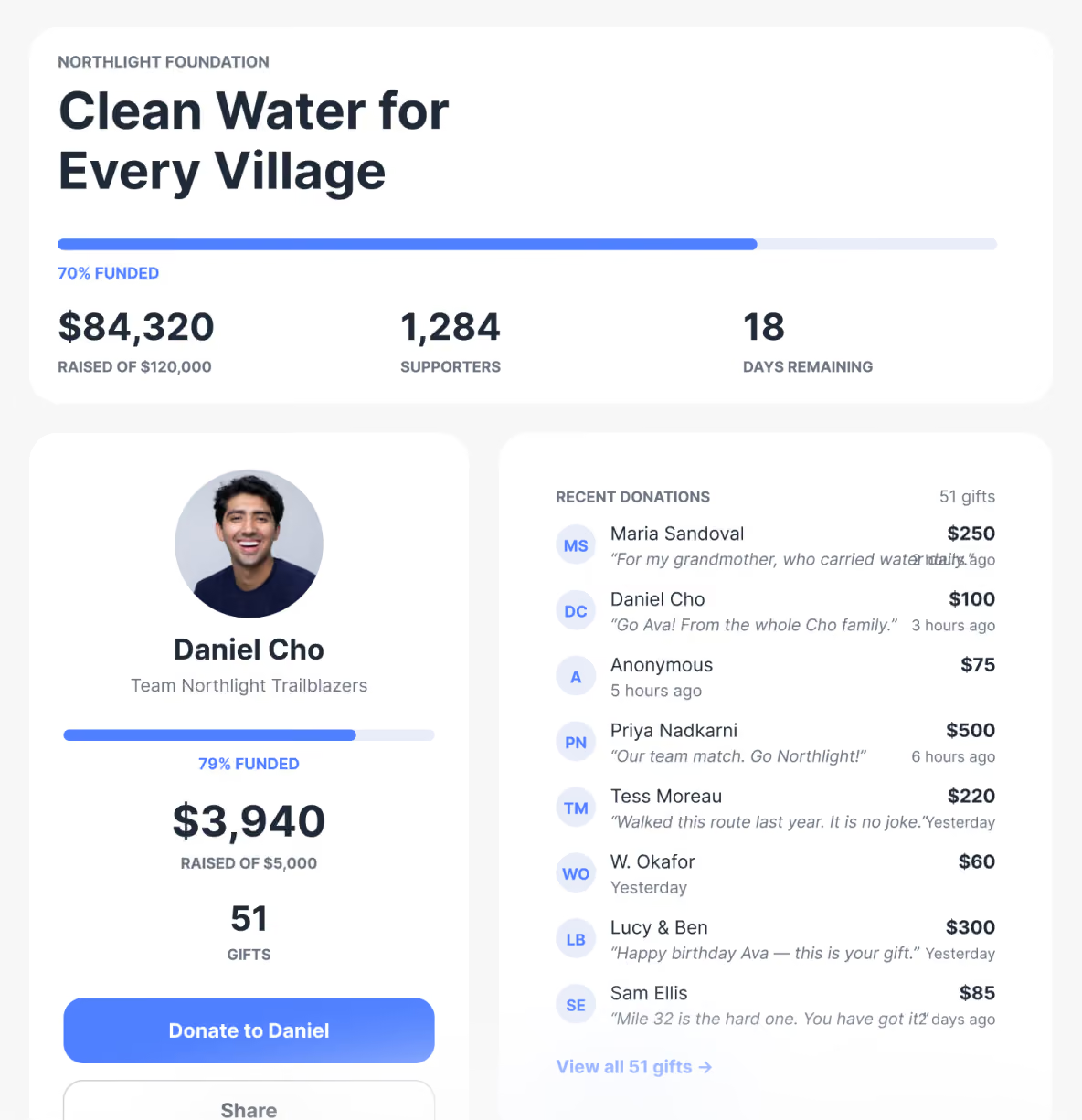
Quick OVERVIEW
Add Donately to Your Webflow Site
Clone the Donately Library from Made in Webflow, share it as a Library in your Webflow workspace, and install it on your site. Add the Donately script, with your public Account ID, to the site's head code. Donation forms, progress bars, donor walls, and fundraiser components then appear in the Add panel, ready to drag onto any page. No API keys are needed.
What's in the Donately Component Library
Essentials work anywhere on their own, and advanced blocks build full campaign pages. Fourteen page templates come with it, from a campaign page to a big-screen display.
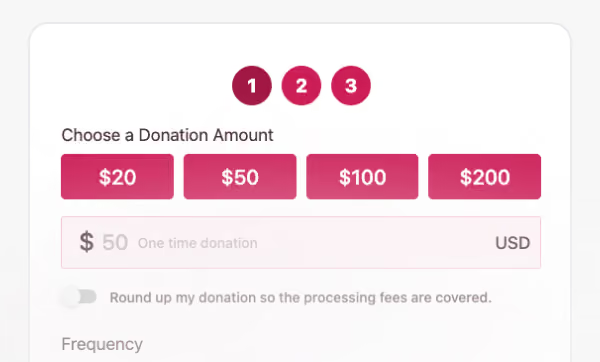
Donation
Donation Form, Donate Popup, Donate Banner, Sticky Donate Bar, Donate Split, Monthly Giving, Impact Tiers, Trust Badges, and Giving FAQ.
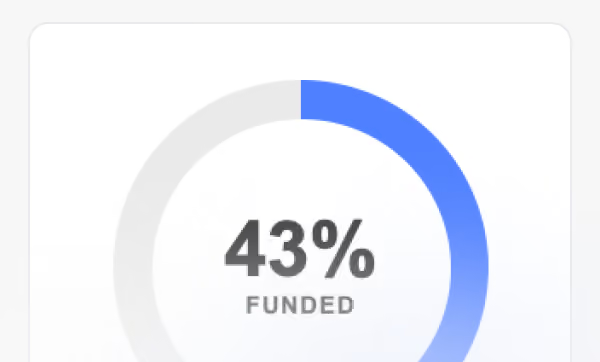
Progress
Campaign Progress, Progress Ring, Goal Thermometer, Mini Goal Meter, Stats Strip, Countdown, and Org Totals.
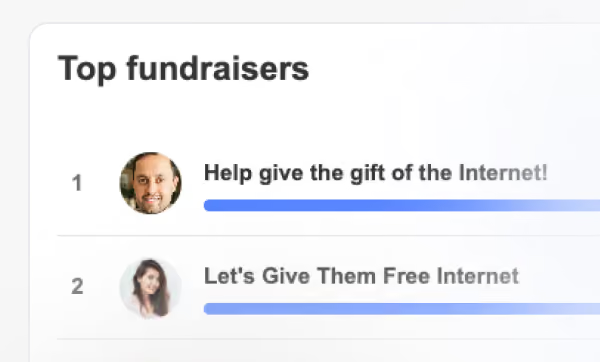
Donors
Donor List, Donor Wall, Donation Ticker, Recent Gift Pop-in, Donor Quotes, Top Gifts, and Donor Avatars.
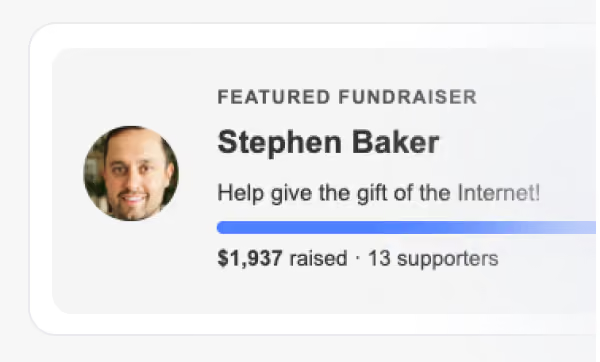
Campaigns and fundraisers
Campaign Grid, Campaign List, Featured Campaign, Fundraiser Leaderboard, Top Fundraisers, Fundraiser Grid, Featured Fundraiser, Team Grid, and Start Fundraising.
Organization
Org Bar, Org Header, and Share Buttons.
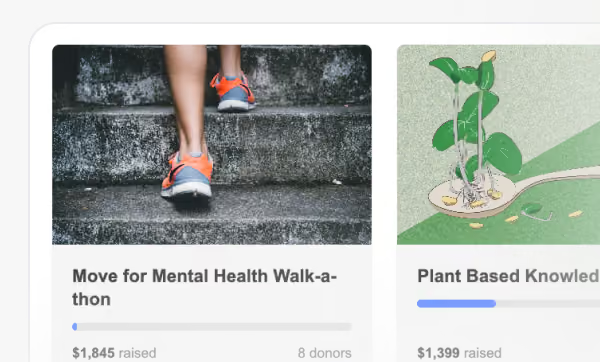
Advanced, for full campaign pages
Campaign Header, Campaign Hero, Stat Cards, Campaign Story, Campaign Video, Event Details, Fundraiser Header, Create Fundraiser, and Display Screen.
We build on Webflow too
donately.com runs on Webflow. The components are built the way we build our own site, and the Library is maintained in Webflow rather than exported from somewhere else.
Every class starts with dntly-, so the blocks never collide with your own styles, and the class names stay readable when you restyle them.

Two ways to use the components library
Add the Library to a Webflow site you already have, or start from a complete campaign site with it already installed.
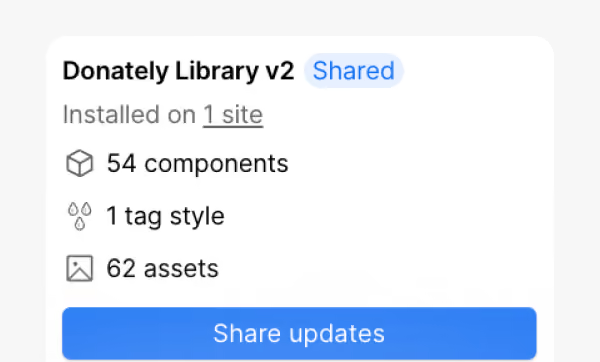
Add it to the site you have
Fundraising blocks inside the pages you already have. Share the Library in your Webflow workspace once, install it on your site, add one script with your Account ID, and drag components onto any page. Blocks pick up your site's fonts and accent color.
Read the setup guide →
Start from the campaign microsite
A complete fundraising site with the Library already in it: campaign pages, peer-to-peer, teams, events, a donor wall, and a big-screen display. Your main website does not need to be Webflow.
Build a microsite →Frequently asked questions
How do I add Donately to Webflow?

Clone the Library from Made in Webflow, share it as a Library in your workspace, and install it on your site. Then add the Donately script, with your public Account ID, to the site's head code. The components appear in the Add panel and drag onto any page. There are no API keys and nothing to register on our side.
Do I need my website on Webflow to use this?
No. Embedding a form works on any platform, and the cloned campaign site runs on its own subdomain alongside a main site built on WordPress, Squarespace, Wix, or anything else. Only the components library needs your site to be on Webflow.
What is the best way to integrate Donately with a Webflow site?
If your site is already on Webflow, use the components library: the blocks read live data and inherit your fonts and colors. If you only need one form on one page, the embed code is faster and works the same way everywhere else.
The components are free with your Donately account.
The library costs nothing to install. Donately charges a platform fee rather than prompting your donor to add a contribution for us on top of their gift. Processing is separate and applies on every platform, including ours. The full arithmetic, including the cases where our numbers look worse, is published as Total Donor Cost.
Simply install and drag a donation form onto your site.
The Library is free with your Donately account, and setup is one script with your public Account ID.